invisaWear reviewA discreet alert button, with a phone and plan required
A hidden button in jewelry puts an alert within reach. Here is how invisaWear works, what the Safety Plan adds, and what to check before choosing a bundle.
A useful format for people who want a discreet alert button and already carry a phone. Include the Safety Plan in your budget and test the setup before relying on it.
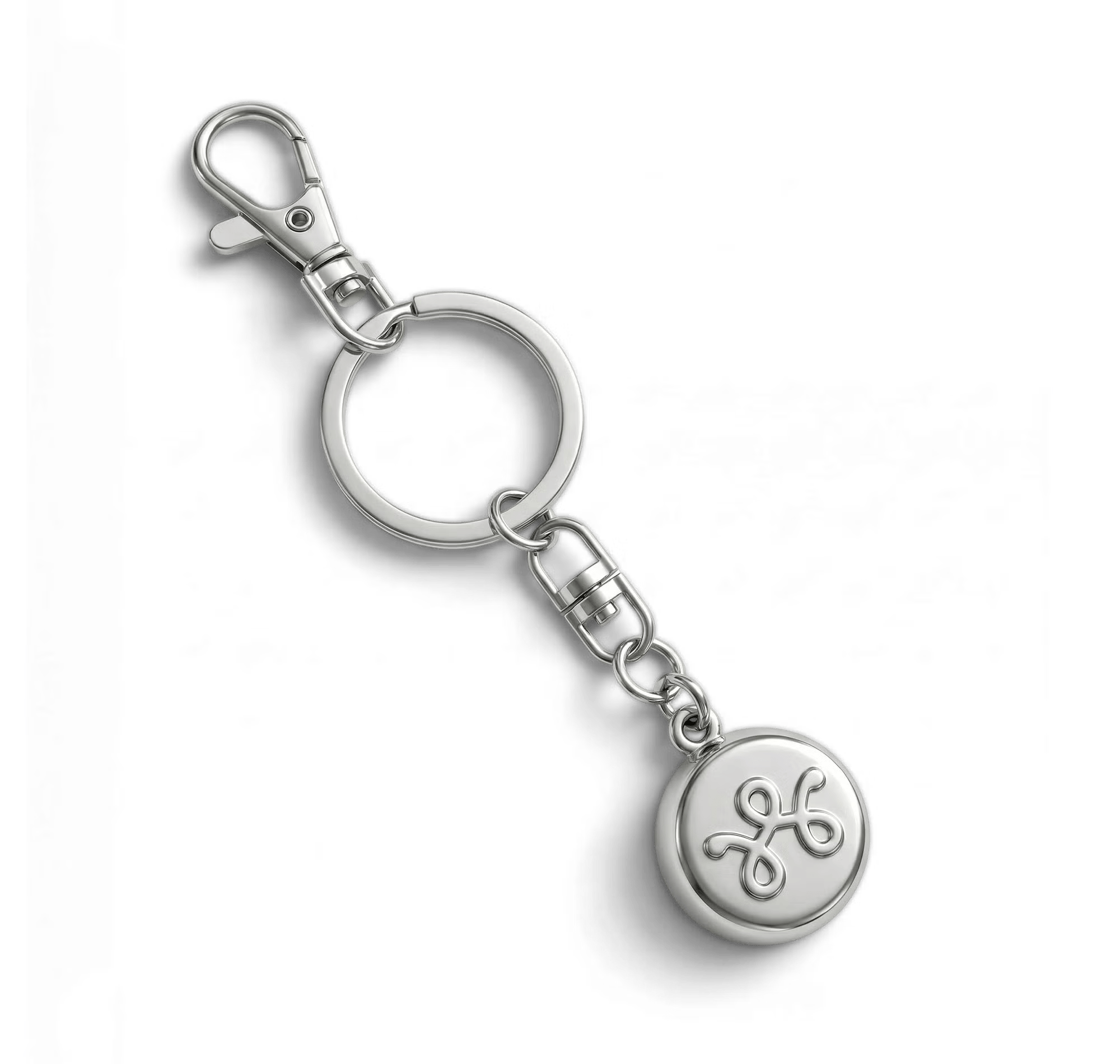
invisaWear puts an emergency button inside jewelry you might actually choose to wear. That is its appeal: the button can be within reach when your phone is in a bag or pocket.
The purchase includes more than a necklace. You also need a compatible phone and an active Safety Plan. For someone comfortable with those requirements, a discreet wearable is a practical addition to their personal safety routine.
Trylitics may earn a commission from purchases through our links. How this works.
What we liked
- Discreet button integrated into wearable jewelry
- Physical double-click activation
- Long advertised charm battery life without charging
Worth noting
- Requires a working phone and active Safety Plan
- Service commitments and cancellation fees vary by plan
- Alert delivery and emergency response cannot be guaranteed
What the button does
A double-click starts an alert through the invisaWear app. The charm communicates with your phone over Bluetooth; the phone handles sending the alert. Depending on your setup and service, that can notify selected contacts and involve professional assistance.
That distinction matters when comparing it with a standalone cellular emergency device. You do not have to take your phone out to press the charm, but the phone still needs to be available and working. A dead phone, missing connection or incomplete setup can break that chain.
The manufacturer's FAQ also describes an in-app test mode. Use that after setup so you can check the system without deliberately initiating a real emergency response.
Who this format makes sense for
Think about the moments when reaching a phone feels awkward: leaving work late, walking through a parking garage, or keeping your bag zipped on public transport. A wearable button offers a separate way to initiate an alert in those situations.
The best design is the one you will wear consistently and can reach without searching. Choose the accessory around your clothes and routine. A necklace buried under several layers may be less convenient than it looks in a product photograph.
It is also worth comparing this with the emergency features already available on your phone or watch. The reason to add invisaWear is the accessible, discreet button. It should earn that extra place in your routine.
Budget for the Safety Plan
An active Safety Plan is required for the alert functions. Treat the device and service as one purchase when comparing prices.
The cancellation policy lists monthly and longer commitment options. Subscriptions auto-renew, and the policy says early termination can incur a charge of 75% of the remaining monthly service fees in the initial term. Check the terms attached to your particular checkout selection before accepting a lower monthly headline price.
For a useful cost comparison, add the jewelry price, the service fees over your intended ownership period, and any delivery charge. A two-year plan and a monthly plan are different commitments even if the hardware looks identical.
Battery life and everyday use
The GiddyUp offer advertises approximately three years of charm battery life without charging. That reduces one everyday chore, though your connected phone still needs power.
The offer also mentions replacement eligibility after two years on a plan. Check your chosen plan's conditions rather than assuming a replacement is included with every purchase. Likewise, check the exact accessory's water-resistance guidance before wearing it in the shower or swimming.
Our verdict
invisaWear makes sense for someone who wants a discreet physical alert button, carries their phone, and is happy to pay for ongoing service. Its strongest feature is accessibility: you can reach for the charm without opening an app.
Choose it as an additional way to ask for help, with realistic expectations about connectivity and response. No wearable can guarantee that an alert will be delivered or that assistance will arrive in time.
The linked offer is for US customers. Check the current invisaWear offer, then compare the complete plan cost and cancellation terms before selecting a bundle.
Specs at a glance
| Activation | Double-click the charm |
|---|---|
| Connection | Bluetooth to a compatible phone |
| Service | Active Safety Plan required |
| Battery | Approximately 3 years, according to the seller |
| Affiliate offer | US |
Frequently asked questions
Does invisaWear work without a phone?
No. The charm connects to a phone over Bluetooth, and the phone sends the alert. It does not work as a standalone cellular emergency device.
Is a subscription required?
Yes. The manufacturer requires an active Safety Plan for emergency alert functions. Compare the plan commitment and total cost before buying.
How do you check that setup works?
Use the in-app test mode described by the manufacturer, rather than starting a real emergency alert to try the device.
Sources and evidence
- GiddyUp product offerinvisaWear
- Product FAQsinvisaWear
- Safety Plan cancellation policyinvisaWear